Gemini & AI Integration
Gemini Nano powers on-device intelligence with AppFunctions letting apps expose capabilities that AI agents can discover, invoke, and chain into workflows — all without leaving the device.
AI-powered experiences · Adaptive UI · Enhanced privacy · Performance improvements
Android 17 redefines the platform with on-device AI agents, mandatory adaptive layouts, generational garbage collection, and stricter security boundaries — giving developers and users a smarter, faster, and more private mobile OS.
Apps expose functions that on-device agents can discover and orchestrate.
Lower pause times and better battery efficiency under load.
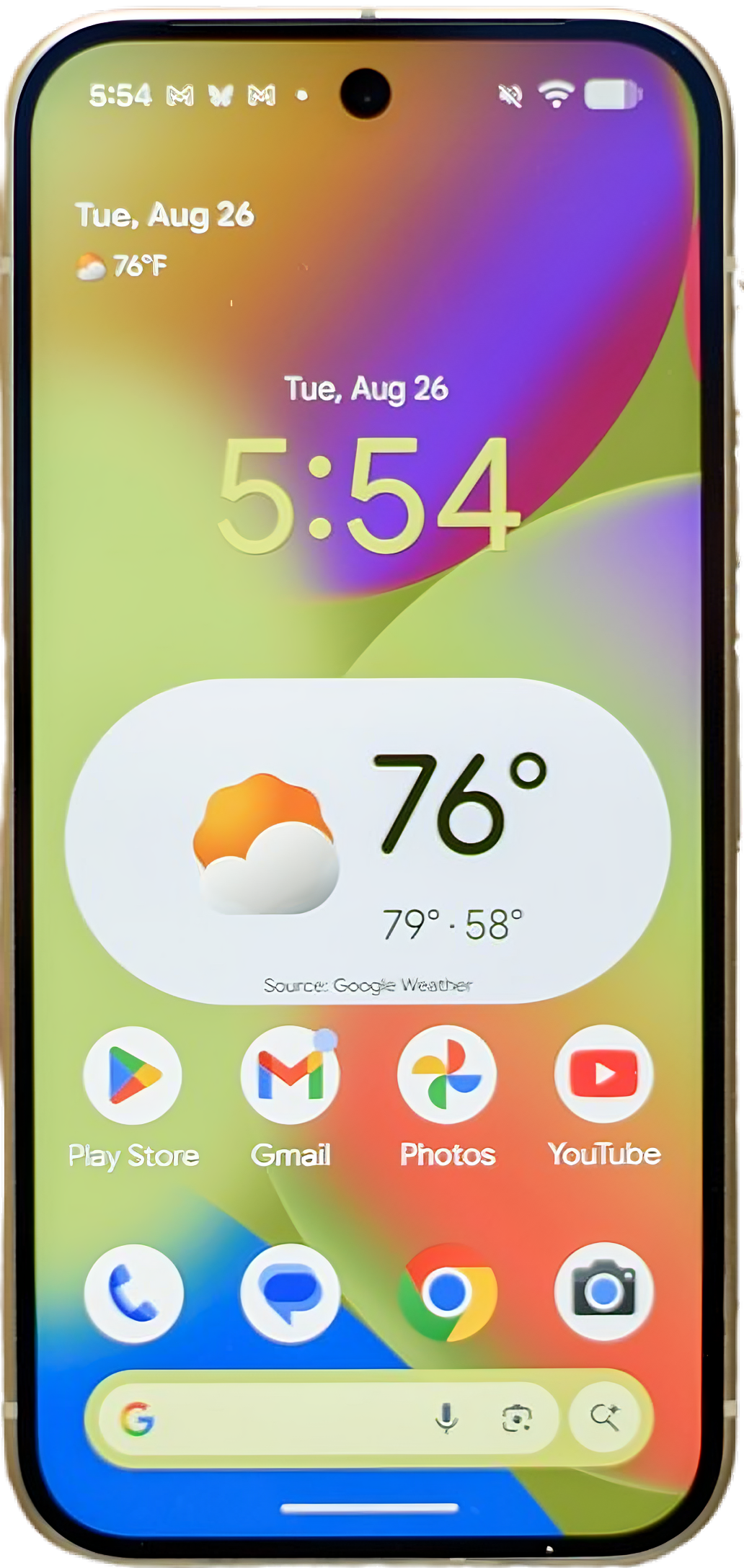
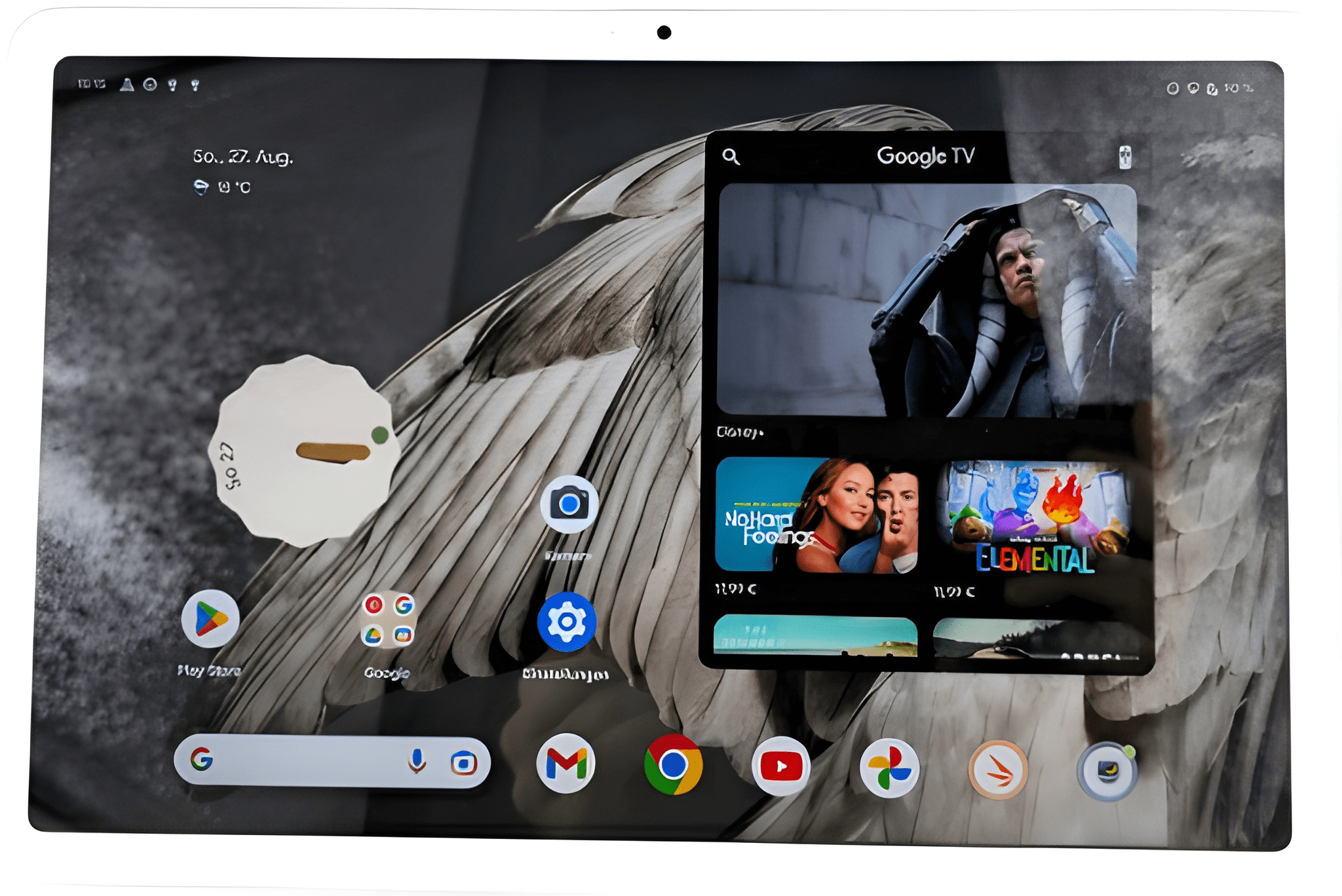
Android 17 is a major platform release that shifts the OS toward AI-driven experiences, enforces adaptive UI for large screens, improves runtime efficiency with generational GC, and introduces new privacy boundaries — all while giving developers the tools to build smarter, more flexible applications.
Gemini Nano powers on-device intelligence with AppFunctions letting apps expose capabilities that AI agents can discover, invoke, and chain into workflows — all without leaving the device.
Compose-first development with mandatory adaptive layouts ensures your app looks great on phones, tablets, foldables, and desktop-sized screens.
Generational garbage collection, lock-free message passing, and stricter app RAM limits deliver smoother animations and better battery life.
Temporary permissions, scoped contact access, local network permission, and post-quantum cryptography raise the security floor for every user.
Expressive theming with dynamic color extraction, new M3 components, adaptive layouts, and seamless dark mode transitions across all apps.
Android 17 introduces features that change how users interact with their devices and how developers build for them — from Gemini-powered intelligence to privacy-first controls.
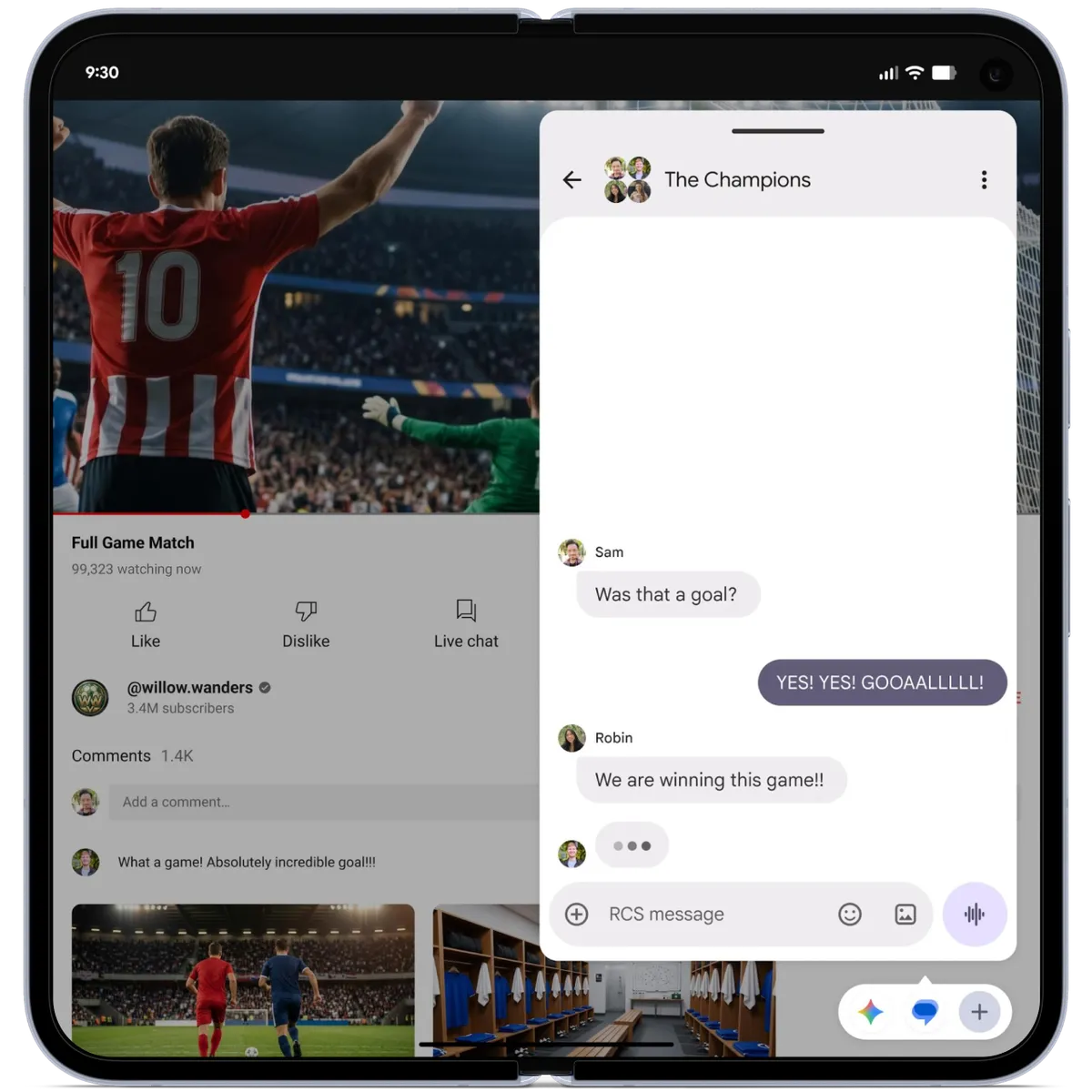
Any app can become a floating bubble for quick access. On tablets and foldables, the Bubble Bar provides persistent multitasking without interrupting your workflow.
Record your screen and your face simultaneously. Perfect for tutorials, game commentary, and creative content — no third-party app required.

Dedicated Gaming Mode optimizes performance and blocks distractions, while the 50/50 foldable layout splits the screen between gameplay and controls. Virtual controller remapping gives console-style precision.

Applications declare semantic functions that Gemini Nano and other on-device AI agents discover and execute. This enables cross-app automation while keeping data private and on-device.
Android 17 makes adaptive layouts mandatory for apps targeting API 37. Jetpack Compose is the recommended path, with tools to handle phones, tablets, foldables, and desktop modes from a single codebase.
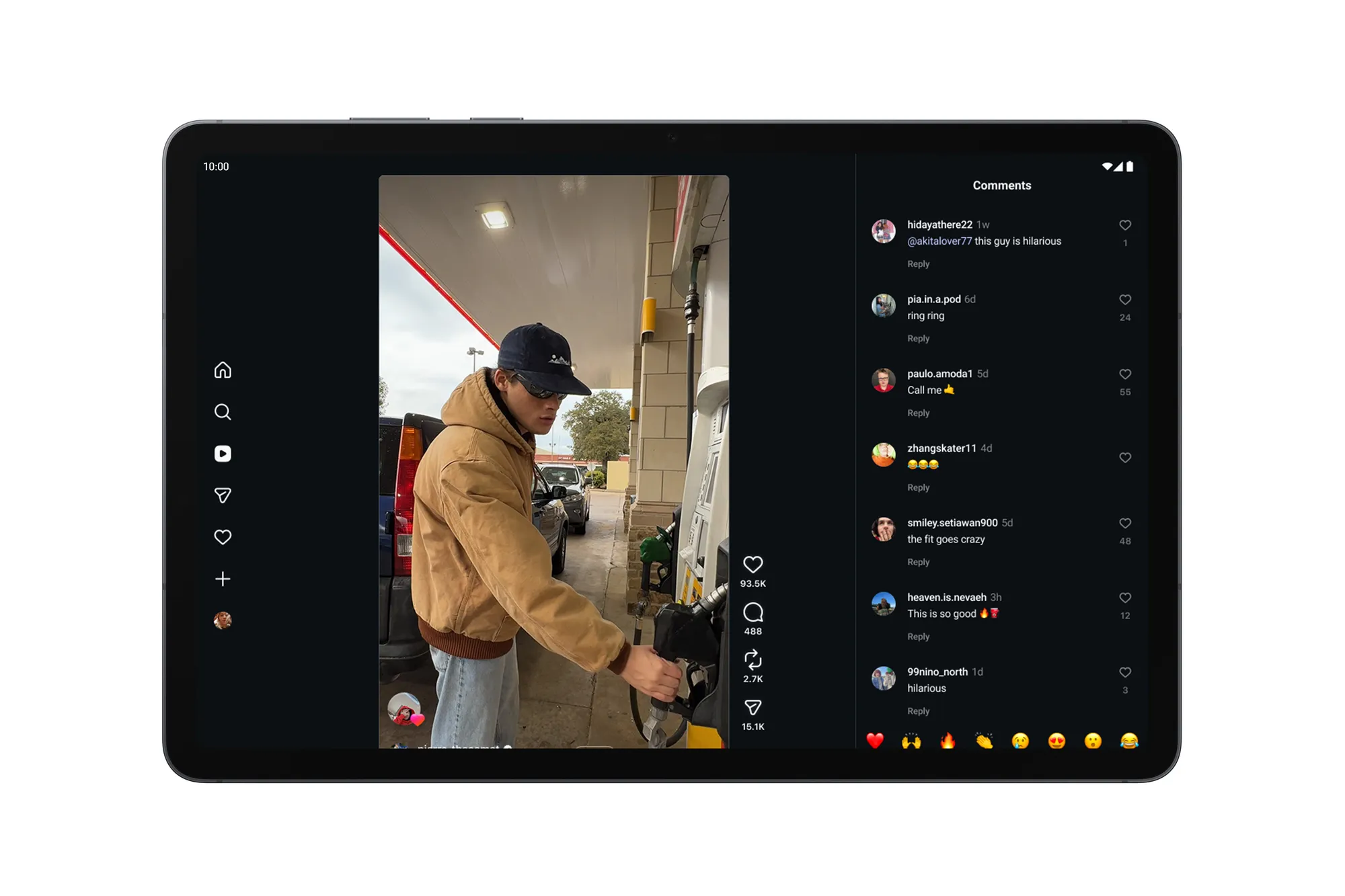
Single-pane layouts with bottom navigation and responsive content.
Two-pane layouts that adapt to folded and unfolded postures.
Multi-pane layouts with navigation rail and side panels.
Freeform windowing, external display support, and keyboard/mouse input for a PC-like experience on large screens.
Android 17 delivers measurable improvements to garbage collection, memory management, and inter-process communication — making apps more responsive and battery-efficient.
Separates young and old object heaps to reduce pause times by up to 60% and improve battery efficiency during background work.
Stricter per-app RAM limits prevent runaway processes from degrading system performance, with clear signals for developers to optimize.
Faster binder and handler message passing reduces latency in UI thread communication and background task dispatch.
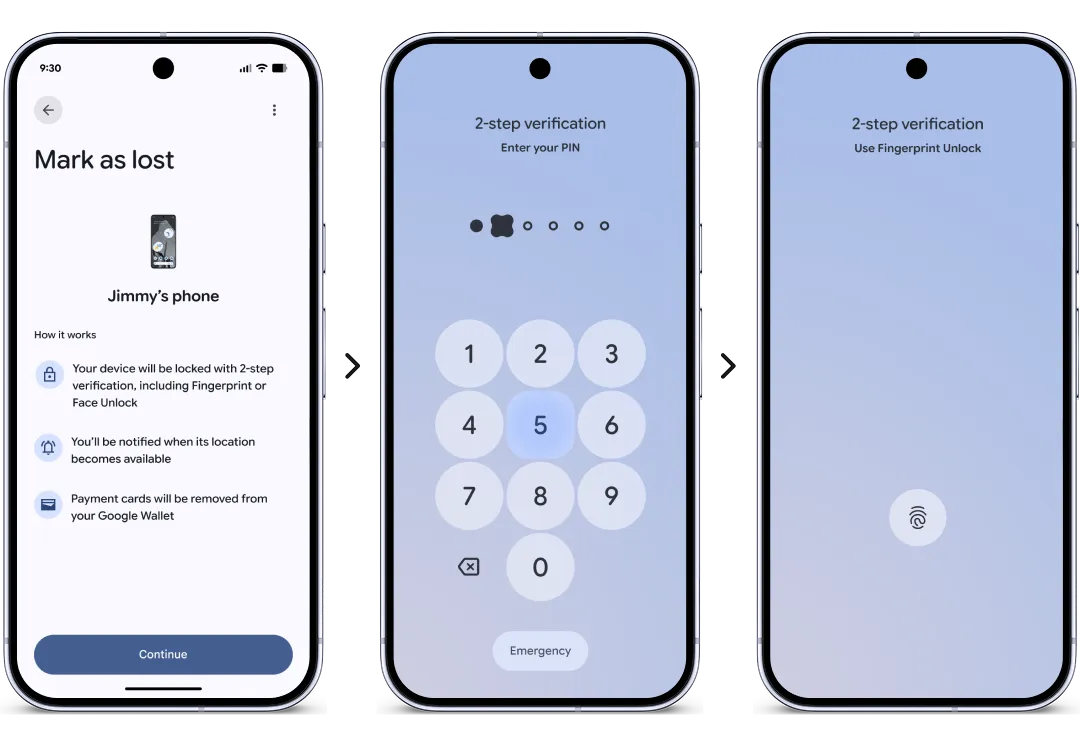
Every Android release raises the bar for user privacy. Android 17 introduces a centralized Privacy Dashboard, Security Center, temporary permissions, scoped data access, and cryptographic upgrades that protect against emerging threats.
Grant location, camera, or microphone access for a single session. The permission auto-revokes when the app goes to background.
Apps can request access to specific contacts rather than the entire address book, giving users granular control over their data.
A new runtime permission for discovering and connecting to devices on the local network, preventing unauthorized scanning.
Android 17 includes NIST-standardized post-quantum cryptographic algorithms to future-proof communications against quantum attacks.
Stricter constraints on dynamic code loading reduce the attack surface for malicious injections and unauthorized modifications.
A centralized view showing how often apps access camera, microphone, and location over the past 24 hours, with easy permission revocation.
Unified security hub with real-time threat detection, Google Play Protect enhancements, and actionable recommendations for keeping devices safe.
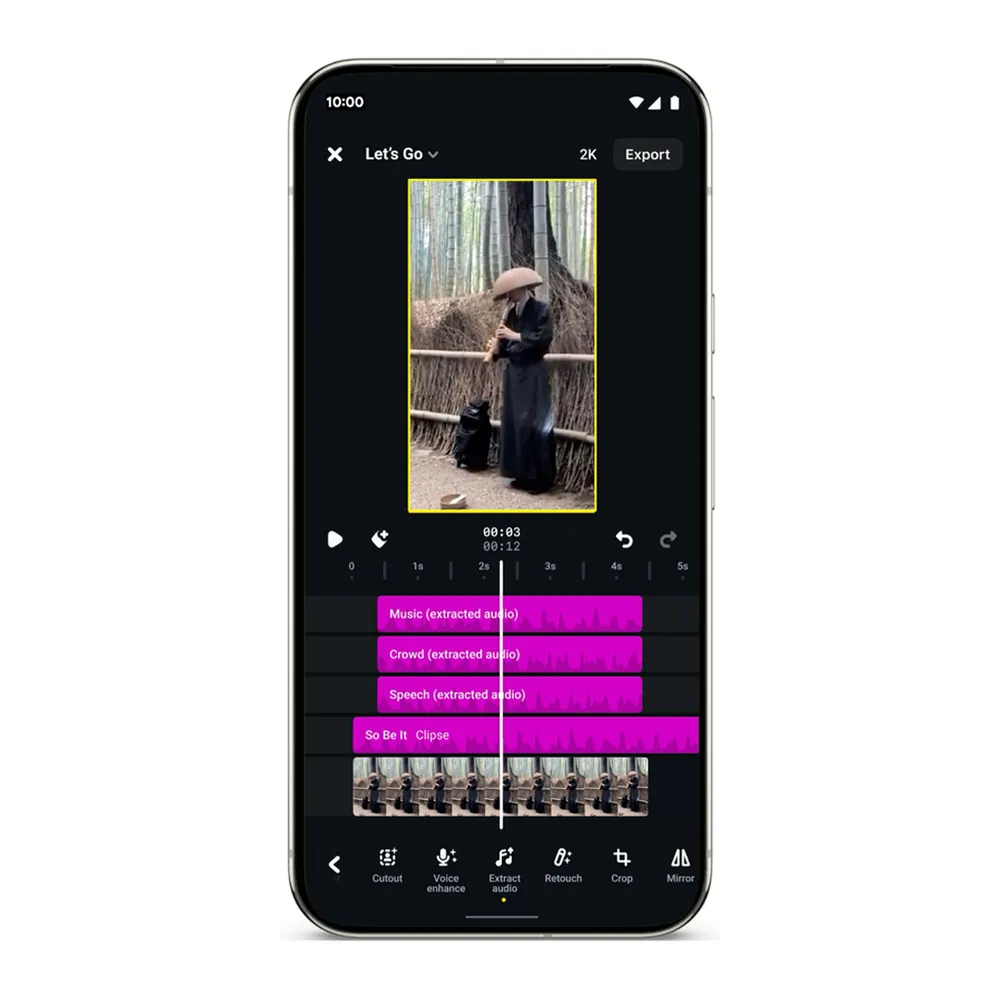
Android 17 introduces new imaging and audio capabilities that rival dedicated hardware, giving users and creators more control over their media.

Capture 14-bit RAW images with greater dynamic range and color depth, giving photography apps access to near-DSLR quality data.
Google's next-generation HDR format combines SDR and HDR layers for backward-compatible, stunning high-dynamic-range imagery.
Versatile Video Coding support enables 4K and 8K streaming at significantly lower bitrates, saving bandwidth and storage.
Enhanced audio codec support delivers higher fidelity at lower bitrates for streaming and podcast applications.
A practical five-step path to ensure your app targets API 37 smoothly, takes advantage of new capabilities, and avoids common migration pitfalls.
Update your compileSdk and targetSdk to 37. Review behavior changes and test against the new runtime policies.
Upgrade to the latest Jetpack Compose, CameraX, Media3, and other Jetpack libraries to leverage new APIs and adaptive layout tools.
Ensure your UI responds correctly to all window size classes. Use WindowSizeClass API and test on tablets and foldables.
Profile your app against the new RAM limits. Reduce background allocations, audit your object lifecycle, and test with generational GC.
Identify key user flows that can be exposed as AppFunctions. Define semantic actions for Gemini Nano and other AI agents to discover and invoke securely.
A side-by-side look at what changed between Android 16 (API 36) and Android 17 (API 37) across the most important platform dimensions.
| Category | Android 16 | Android 17 |
|---|---|---|
| AI | Basic on-device ML with TensorFlow Lite and ML Kit | Gemini Nano on-device; AppFunctions framework for AI-agent interoperability |
| UI | Adaptive layout recommendations | Mandatory adaptive layouts for API 37; Compose-first tooling; WindowSizeClass enforcement |
| Multitasking | Split-screen and improved large-screen foundations | App Bubbles, Bubble Bar, Desktop Mode, interactive PiP, Gaming Mode, 50/50 foldable layout |
| Performance | ART runtime improvements and background limits | Generational GC, lock-free message handling, per-app RAM caps |
| Security | Scoped media and photo picker changes | Privacy Dashboard, Security Center, temporary permissions, scoped contacts, local network permission, PQC, safer DCL |
| Media | Ultra HDR and AV1 support | RAW14, Eclipsa HDR, VVC/H.266, extended HE-AAC |
Four ways to run Android 17 right now — from over-the-air updates to the official emulator.
If you own a supported Pixel (6–10 series, Tablet), check Settings → System → System update for the Android 17 OTA.
Android 17 Beta is available on Honor, iQOO, Lenovo, OnePlus, OPPO, realme, Sharp, vivo, and Xiaomi devices.
Use Android Studio Meerkat | 2024.3.1+. Create a virtual device and select the Baklava system image (API 37).
Flash a generic system image on compatible unlocked devices. Check the Android 17 downloads page for factory images and GSIs.
Stay up to date with the latest Android platform announcements, developer guides, and Google I/O keynotes from the official Android Developers channel.

The official YouTube channel for Android developers. Find the latest videos on platform features, API changes, design best practices, and Google I/O sessions.
Visit channelCommon questions about Android 17, migration, and new platform capabilities.
Android 17 is expected to launch in Q3 2026, following the traditional Q2 beta release cycle. The platform will be available for Pixel devices first, with OEM rollouts following shortly after.
Android 17 uses API level 37. Apps targeting API 37 must comply with new requirements including mandatory adaptive layouts, AppFunctions integration readiness, and updated privacy policies.
AppFunctions allow apps to declare semantic capabilities that on-device AI agents can discover and invoke. Functions are defined in the app manifest and use a standardized schema for inputs and outputs. Users remain in control through privacy prompts for each function call.
Android 17 introduces temporary permissions (auto-revoke on background), scoped contact access, local network permission, post-quantum cryptography (NIST-standardized), and stricter dynamic code loading constraints.
Generational Garbage Collection separates the heap into young and old generations. Most objects die young, so collecting only the young generation is fast and reduces jank. This results in up to 60% lower GC pause times and better battery life under load.
Yes. If your app targets API 37, you must update to support adaptive layouts (using WindowSizeClass), comply with new privacy requirements, and test against the updated runtime policies. The migration roadmap section provides a step-by-step guide.
The Bubble Bar extends App Bubbles to large screens, providing a persistent sidebar of bubble apps on tablets and foldables. Users can quickly switch between bubble-enabled apps without interrupting their main workflow.
Screen Reactions lets users record their screen and front-facing camera simultaneously. The system composites the camera feed as a picture-in-picture overlay on the screen recording, perfect for tutorials, game commentary, and creative content.
Built with react-device-frameset, framer-motion, dnd-kit, Three.js, and MUI.
Launch Full SimulatorDrag to rotate